4 WordPress Plugins For Awesome Mobile Website Optimization
Mobile phones are a massive part of peoples’ lives today. They help users connect with their friends by call or text; they also enable people to learn, shop, date, and so forth. One might say that modern mobile phones have everything a person needs to go through the day with less stress than before.
Statistics say that 62% of people globally use their phones to access the internet, and they spend about 143 minutes browsing it. What’s more important is that 48.2% of global internet traffic now comes from mobile devices. That’s exactly why website owners need to make their websites mobile-friendly. WordPress has a lot of plugins to help with website optimization for mobile.
With more than half of global web traffic coming from smartphones, having a responsive digital presence is no longer optional. While the right tools can simplify this process, following these foundational steps to having a mobile-friendly website ensures your layout is fully prepared for a mobile-first audience.
AMP for WP: Accelerated Mobile Pages
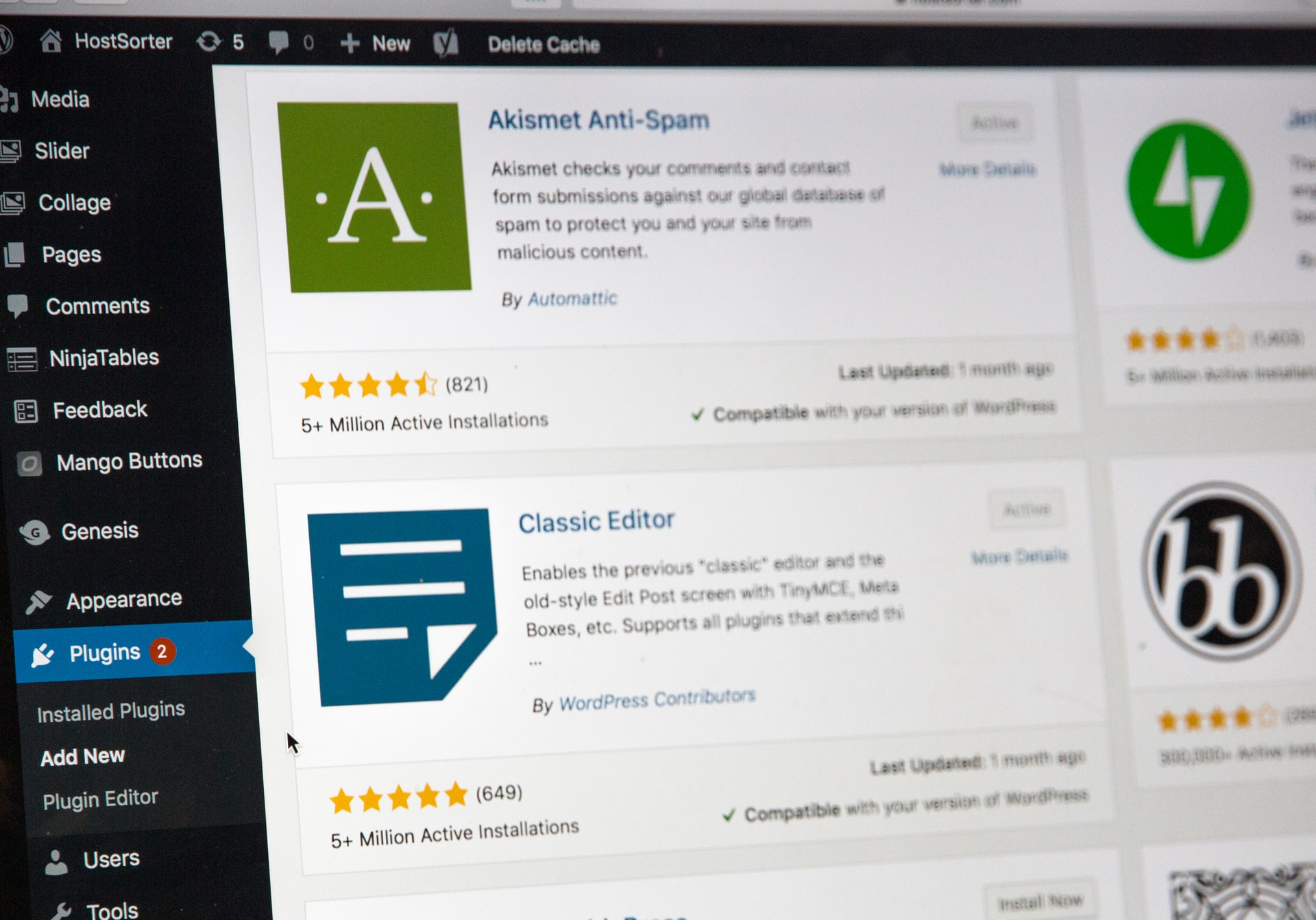
This plugin adds AMP functionality to a WordPress website and makes it faster for mobile users. Installation is the same as for any other plugin from the Plugins section—by typing the plugin name in Add New and clicking Install and Activate. What’s excellent about AMP for WP is that it’s regularly upgraded. It now has new features such as Divi and Elementor support, GDPR compliance, contact forms, custom AMP editor, and more. AMP for WP is entirely free.
Even the best optimization plugins can only do so much if your underlying layout is bloated and poorly coded. When setting up your site’s foundation, reviewing key things to consider when choosing a WordPress theme will help you select a fast, responsive codebase that adapts seamlessly to any screen size.
WordPress Mobile Pack
This plugin lets website owners turn their websites into a progressive mobile application. It has multiple theme options that can be purchased individually or as a bundle. It’s supported on both Android and iOS and compatible with many internet browsers. Progressive apps load instantly, push notifications re-engage users, and smooth scrolling and navigation maintain excellent user experience. WordPress Mobile Pack integrates with Google Analytics to help with visitor tracking and has a Pro version available.
Focusing on responsive rendering is crucial, but mobile speed tweaks are just one part of routine backend maintenance. To ensure your entire administrative toolkit is balanced, look through these comprehensive plugins to help you manage your WordPress website smoothly from top to bottom.
WP Mobile Menu
Having a well-designed menu suitable for mobile devices is a must. A menu should enable users to navigate a website with ease. WP Mobile Menu enables website owners to create beautiful menus that fit their websites and elevate user experience. It’s the best responsive mobile menu for WordPress.
WP Smush.It
A common problem with many websites are images that are not correctly optimized. These don’t load properly and decrease the website speed, which is important for both SEO and users. Google hates slow websites, especially when they’re designed for mobile devices. Smush.it is a great plugin that reduces the image size by stripping away the image information, making it lighter. It will automatically work in the background of a website. And the best thing is that it won’t affect the quality of the image.
A slow load time on a handheld device doesn’t just annoy visitors—it directly destroys your conversions. If you are selling products online, exploring practical ways to optimize for mobile commerce and boost sales will help you streamline your checkout process and eliminate mobile shopping cart abandonment.
Summary
Web traffic on mobile devices can only grow from here. Having a responsive website is great, but users will always want more. Luckily, many WordPress plugins let the website owners optimize their websites, create exquisite menus, or even make a website app ready for download from Google Play or Apple Store. Websites that have optimized images will load even faster on a mobile device, making visitors want to browse the site longer. With many WordPress plugins, creating a well-optimized website for mobile is easy and straightforward.
When you pair a lightning-fast mobile interface with a flawless user experience, your search visibility will naturally start to scale. To capitalize on your newly optimized, responsive platform and maximize your reader growth, implement these powerful hacks to optimize your blog for more traffic to accelerate your results.

The Author
Damilola Ambali
Damilola Ambali writes on web hosting, domains, and the practical side of running a digital business for Nigerian small business owners and bloggers. Her WhoGoHost contributions help readers navigate the day-to-day decisions of getting and staying online.
More posts from Damilola