How To Manage A Website With Whogohost (a Complete Beginner’s Guide)
If you’re just getting started with websites, hosting can sound more technical than it really is; and understanding how to manage a website may seem overwhelming. Words like domains, hosting, DNS, and emails can sound complicated, but they all work together to keep your website online
The good news is that you don’t need to be a developer or technical genius to manage a website successfully. With the right understanding and the right tools, managing your online presence becomes much easier.
This guide explains the key concepts every beginner should know and shows how the Whogohost Client Area helps you manage everything in one place.
Understanding the Building Blocks of a Website
Before managing a website, it’s important to understand the services that make it work. This will help you understand how to manage your website properly.
Domain Name:
Your domain name is your website’s address on the internet. Examples include:
- yourbusiness.com
- yourbrand.ng
- yourstore.com.ng
When someone types your domain into a browser, they are directed to your website. Think of a domain name as the address people use to find your business online.
Web Hosting:
Web hosting is the service that stores your website files and makes them accessible on the internet. Every image, page, article, and piece of content on your website is stored on a hosting server.
Without hosting, your website cannot be viewed online.
Professional Email:
A professional email uses your domain name. For example: info@yourbusiness.com, support@yourbusiness.com and sales@yourbusiness.com.
Professional email helps build credibility and makes your business appear more established.
What Is the Whogohost Client Area?
The Whogohost Client Area is your account management dashboard and the foundation of how to manage a website effectively. It is where you manage your services, account information, billing, and support requests. From the Client Area, you can:
- View your active services
- Manage hosting plans
- Manage domain names
- Access DNS settings
- Manage billing and invoices
- Contact support
- Access related service tools
Whenever you need to make changes to your account or services, the Client Area is usually the first place to visit.
Understanding the Difference Between the Client Area and cPanel
Many beginners confuse the Client Area with cPanel. Although they work together, they serve different purposes.
Client Area
The Client Area helps you manage your account and services. This includes:
- Domains
- Hosting subscriptions
- Billing
- Support requests
- Account settings
cPanel
cPanel is a hosting control panel used to manage the technical aspects of your website. Depending on your hosting plan, cPanel allows you to:
- Upload website files
- Create email accounts
- Manage databases
- Install applications such as WordPress
- Create backups
- Configure website settings
A simple way to remember the difference is this: The Client Area manages your services, while cPanel manages your website.
Getting Started with Whogohost – How to Manage a Website
Once you purchase a service from Whogohost, everything is managed from your Client Area. Inside your account, you can: view your active services, manage your hosting plan, view and pay invoices, and more.
Managing Your Domain Name
Your domain is one of your most valuable digital assets. Inside your account, you can:
- View your registered domains
- Renew domains before expiration
- Update DNS settings
- Manage domain-related services
Keeping your domain active is essential because an expired domain can make your website and email services inaccessible.
Managing Your Hosting Service
Your hosting plan powers your website. From your account, you can:
- View hosting information
- Check service status
- Renew hosting plans
- Upgrade plans when your needs grow
- Access your hosting control panel
As your website attracts more visitors or requires more resources, upgrading your hosting may become necessary.
Managing Professional Email
Professional email helps customers trust your business. Using your domain name in your email address creates a stronger brand impression than using a free email address.
Depending on your service, you can manage email-related settings and access tools through your account and hosting environment.
Understanding DNS
DNS stands for Domain Name System. It connects your domain name to the services that power your website and email. You may need to update DNS records when:
- Connecting a domain to hosting
- Using third-party email providers
- Verifying domain ownership
- Connecting external services
While DNS can seem technical, it is one of the most important parts of managing an online presence.
Billing and Renewals
Every website owner should keep track of service renewal dates. From the Client Area, you can:
- View invoices
- Make payments
- Track renewal dates
- Manage wallet balances where applicable
Renewing services on time helps prevent disruptions to your website and email
Now That You Know How to Manage a Website: Explore the All-New Whogohost Client Area
Now that you understand the key building blocks of managing a website (domains, hosting, email, DNS, and account settings) it becomes much easier to take control of your online presence.
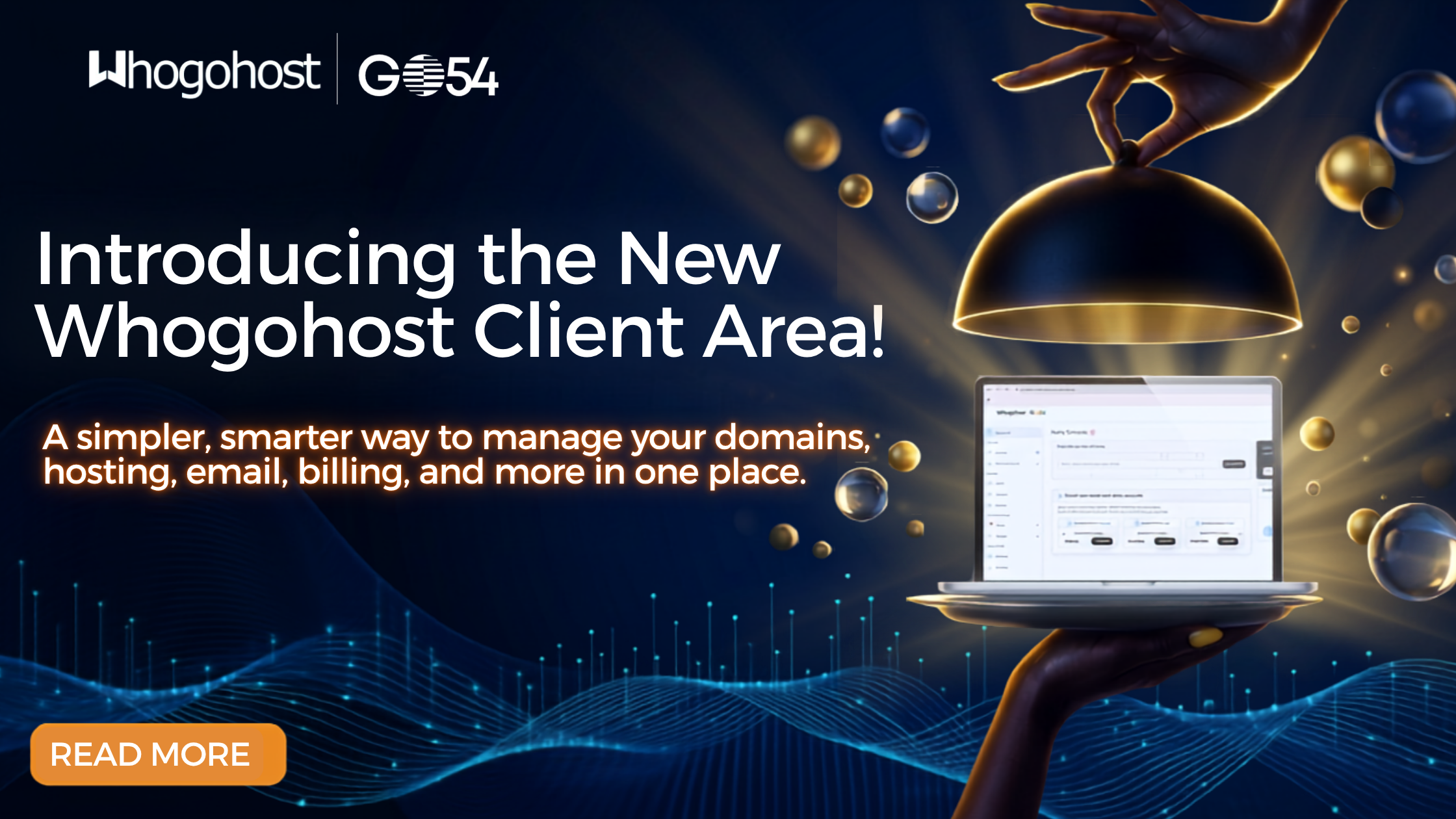
The all-new Whogohost Client Area brings everything together in one simple, organised dashboard. From here, you can manage your services, track billing, update domain settings, and access support without switching between multiple tools.
If you ever need help, support is always within reach. You can use the live chat feature at the bottom of our website, open a support ticket for personalised assistance, or email support@whogohost.com. For quick answers and step-by-step guidance, our knowledgebase at https://panel.whogohost.com/knowledgebase is also available, filled with helpful resources to guide you whenever you need them.
Log in to explore your brand new Whogohost Client Area.

The Author
Chinedu Joseph
Chinedu Joseph Igbudu is a seasoned Marketing Specialist at HOSTAFRICA, with about six years of hands-on experience driving digital marketing excellence, content strategy, and sustainable brand growth. He has led and executed high-impact campaigns that help businesses build strong market presence, connect meaningfully with their audiences, and achieve measurable business outcomes. With a strong command of marketing strategy, storytelling, and audience insight, Chinedu blends creativity with data-driven thinking to position brands competitively and deliver consistent results.
More posts from Chinedu