
A sub-contact is someone you authorize to interact with WhoGoHost on your behalf. Depending on the permissions you set, they can submit tickets, inquiries, or complaints, and we’ll respond to them just like we would for you.
Steps to Add a Contact/Sub-Account:
- Log in to your WhoGoHost client area with your credentials.
- Navigate to the Contacts section and click New Contact.

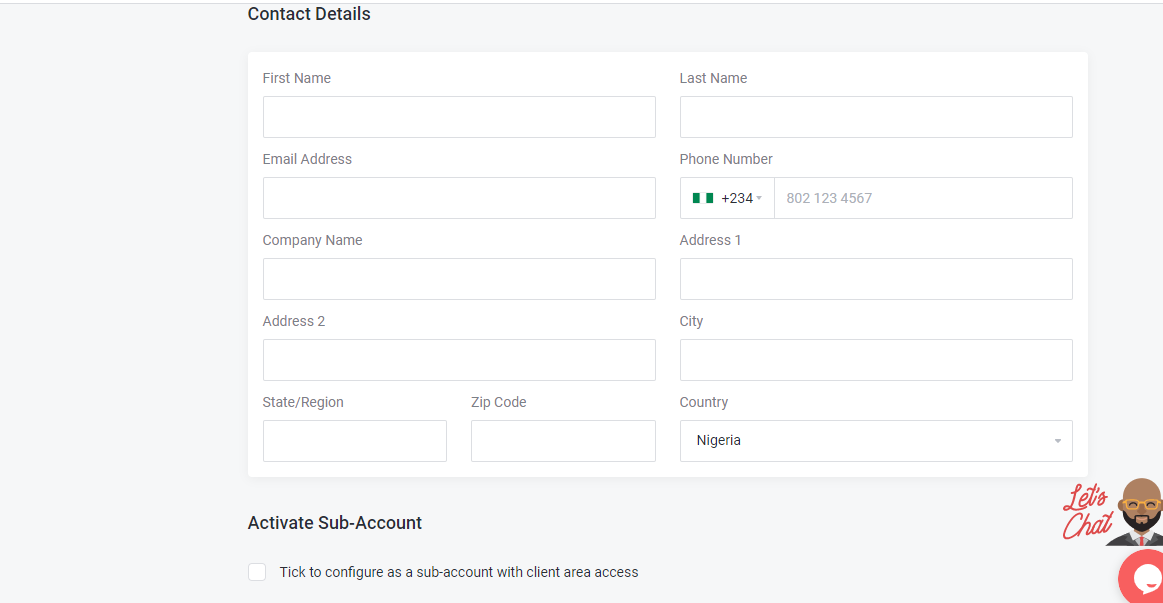
3. Fill in the contact’s details. Tick the box Activate Sub-account if you want them to access your client area.
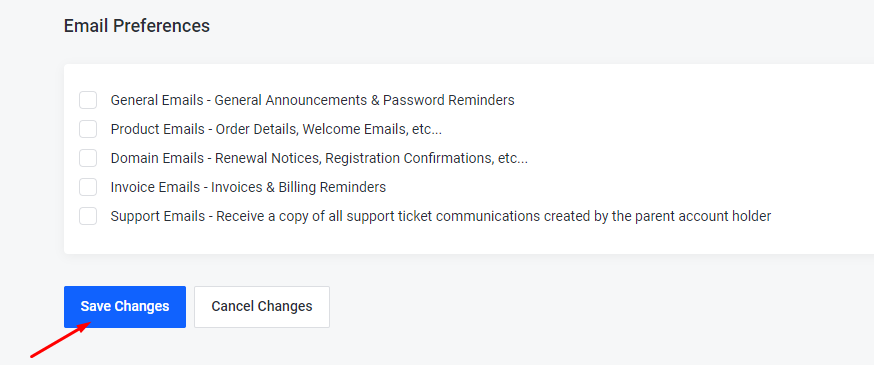
4. Under Email Preferences, select which emails the new contact should receive. Click Save Changes.
Your sub-contact is now ready to manage requests and liaise with WhoGoHost on your behalf.
