
To create an e-commerce store using Naira:
- Ensure you’re on at least the Starter plan.
- Log into your WHOGOHOST client area and click Edit Site to open the SiteBuilder editor.
- In the menu, click Apps. This allows you to connect apps to your SiteBuilder.

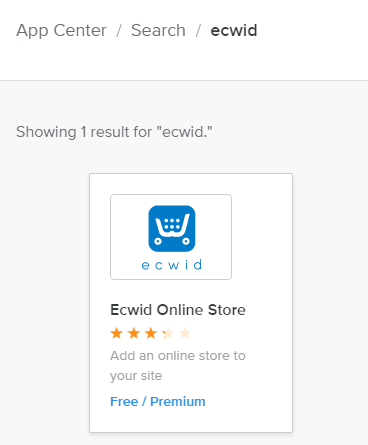
- Search for Ecwid in the Apps search bar, then click it.
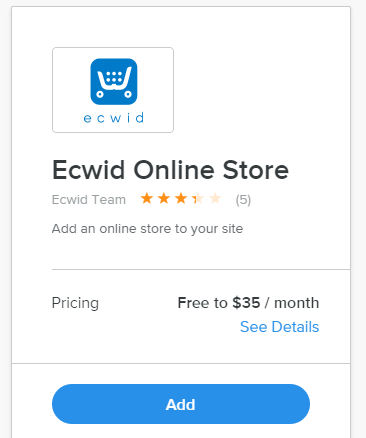
- On the overview page, click Add and then Connect on the pop-up.
- Create an Ecwid account if you don’t have one.
- In Ecwid, go to Settings → Formats & Units, select Naira as your currency, and click Save.
- Add products via Catalog → Products (create categories if needed).
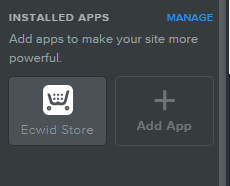
- Return to the SiteBuilder editor, scroll to Installed Apps, and drag the Ecwid Store element to where you want your store displayed.
- Click Publish to make your store live.
- Once you are done, click the publish button.
