
Softaculous App Installer allows you to install WordPress and other scripts quickly from your cPanel. Follow these steps to get WordPress running on your website:
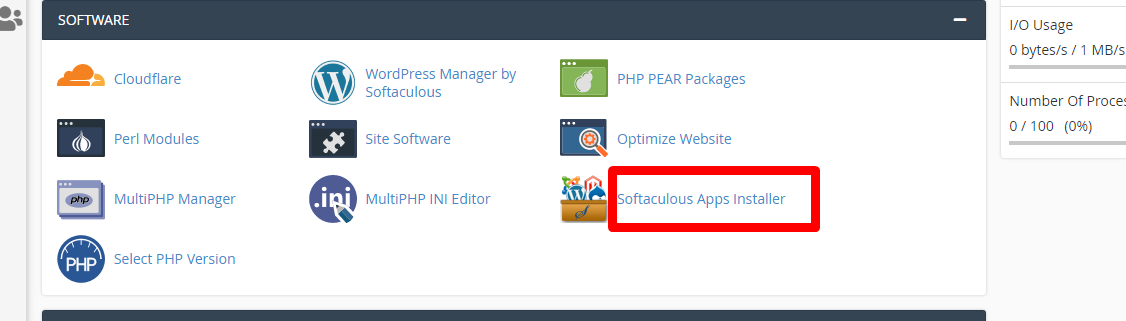
- Log in to cPanel and click on Softaculous App Installer under the Software section.
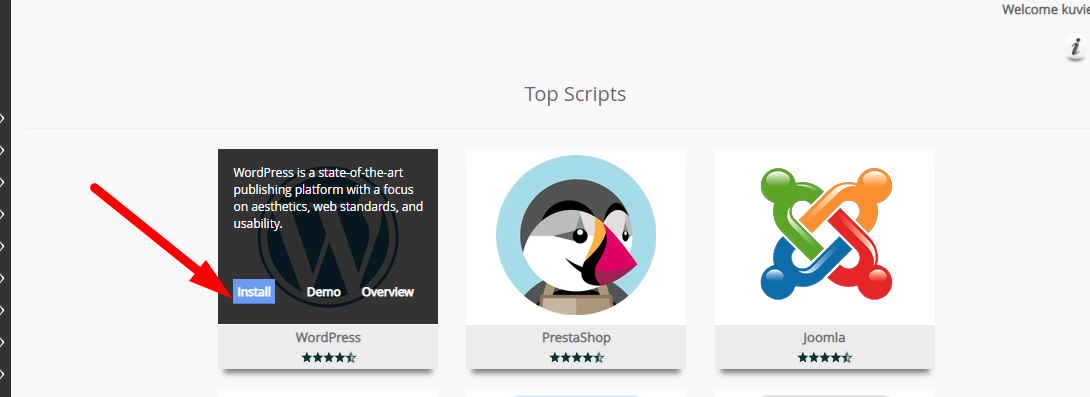
2. Look for WordPress (it’s usually featured at the top) and click Install.
3.In the Software Setup:
- Protocol: Choose https://www for secure installation
- Domain: Pick the domain you want WordPress on
Directory: Leave blank to install at the root, or use wp if you want it in a subfolder

4. Under Site Settings, enter your website’s name and a brief description.
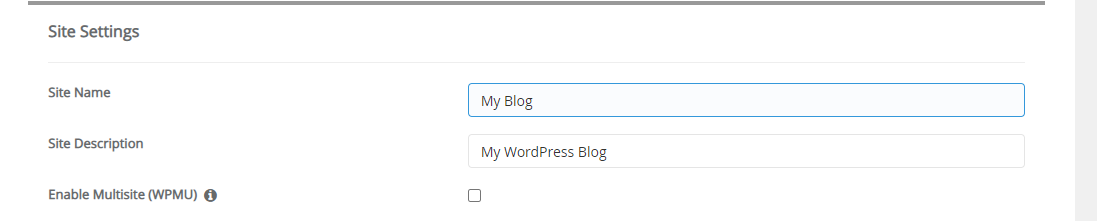
5. Under Site Settings, enter your website’s name and a brief description.
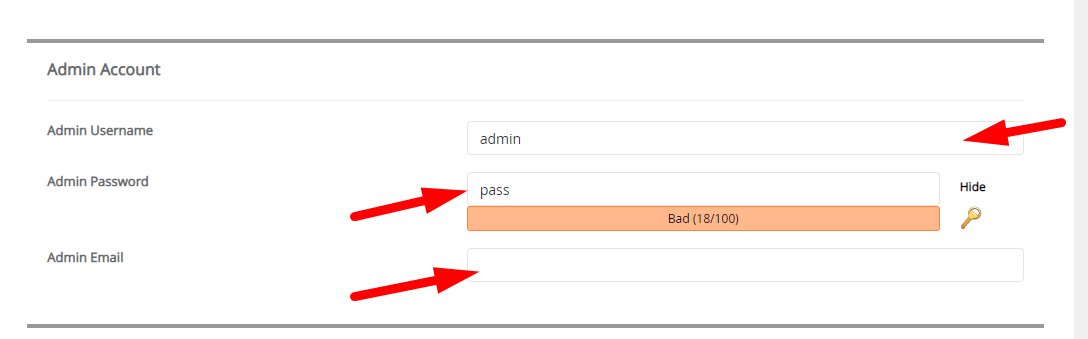
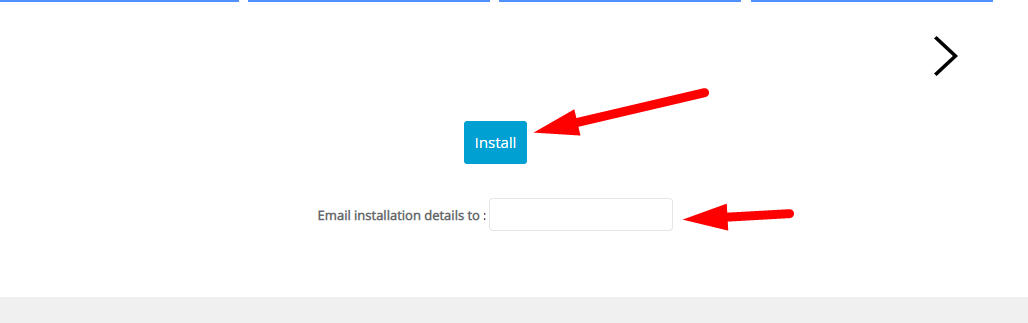
6. Add the email for installation notifications and hit Install.
7.Once finished, a confirmation screen will appear with your WordPress login information. Your new site is now live!
